 K-Homes
October 17, 2026
List your apartment for rent with K-Homes: one account for landlords and brokers.
Homeowners and brokers submit information, photos, and videos of apartments on khomesvn.com using a partner account (phone number + password). The listings displayed on the website only show publicly available information; your name, phone number, and apartment number are kept confidential.
⚠️ All market analysis here is compiled with AI. AI can make mistakes, so this information is for reference only.
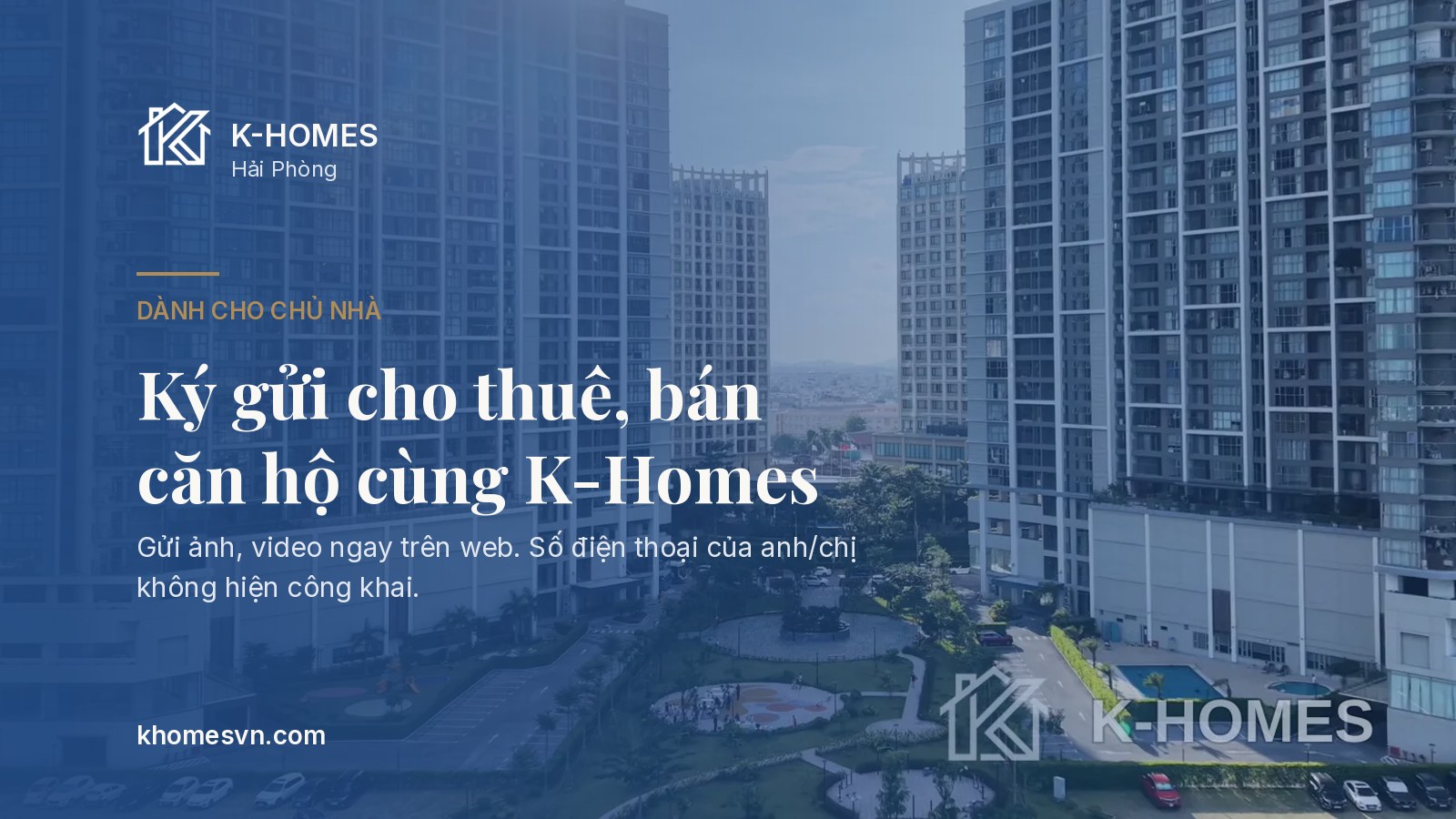
K-Homes accepts listings for apartments, houses for rent and sale in Hai Phong. Homeowners and real estate agents (sales) use the same website and account type.
1. First-time listing: - Open khomesvn.com/vi/list-property, select "You are: Homeowner" or "Sale/Real Estate Agent".
- Enter your full name, phone number (Zalo), and create a 10-character password. The account is created simultaneously with your first listing.
- Fill in the project, building, floor, number of bedrooms, area, desired price, and availability dates.
- Upload a maximum of 20 photos (JPG, PNG, WEBP, HEIC; each photo up to 15 MB) and 3 videos (MP4, MOV; each video up to 300 MB) directly to the site. HEIC images that browsers cannot automatically convert to JPG will only be viewed by K-Homes; please upload JPG, PNG, or WEBP images. The website displays a maximum of 15 images per listing.
- Listings with K-Homes projects already listed and without phone numbers, Zalo/Facebook links, or email addresses in the description will be uploaded to the website in the next update (approximately 15 minutes). Other listings are awaiting K-Homes approval (8:00 AM – 9:00 PM).
2. What information is currently public? - The website only displays the project, building, floor range (low, mid, high), number of bedrooms, area, interior design, price, availability dates, description (contact filtered), photos, videos, and the K-Homes listing code in the format KH-XXXXX.
- Your name, phone number, and unit number are only visible to the K-Homes team. Customers contact you through K-Homes.
- Phone numbers or contact links in the description will be replaced with K-Homes' contact information, and the listing will await K-Homes' approval before being uploaded to the website.
3. Next Time and Change Status - Select "Remember me on this device" to avoid logging in again for 180 days.
- Go to "My Listings" (khomesvn.com/portal) and click a button: Available, Rented (for sale: Sold), or Hide Listing. The website updates in about 15 minutes.
- Listings awaiting approval cannot have their status changed. Listings hidden by K-Homes can only be unhidden by K-Homes.
4. Forgot Password - Click "Forgot password?", enter your phone number, then message K-HOMES Zalo OA "Forgot password" along with your phone number.
- Staff will verify the correct person and send a temporary password via Zalo, valid for 30 minutes. After logging in, you can set a new password.
Start listing: khomesvn.com/vi/list-property. Need support? Contact Zalo OA K-HOMES (zalo.me/1559334706712011413) or hotline 0559-588-688.
Translated automatically from Vietnamese.
Sources
- K-Homes – trang ký gửi · 17/10/2026
- K-Homes – cổng đối tác · 17/10/2026